Turn any content into a
beautiful brief in seconds.
Videos, podcasts, transcripts, and documents transformed into polished summaries you can print, email, download, or publish to your website.

Paste videos, transcripts, or text up to 50,000 characters and Make A Brief extracts the key ideas, structures them into a professional layout, and delivers a print-ready brief in seconds flat. Download as PDF or Word Doc, email, or add to your website.

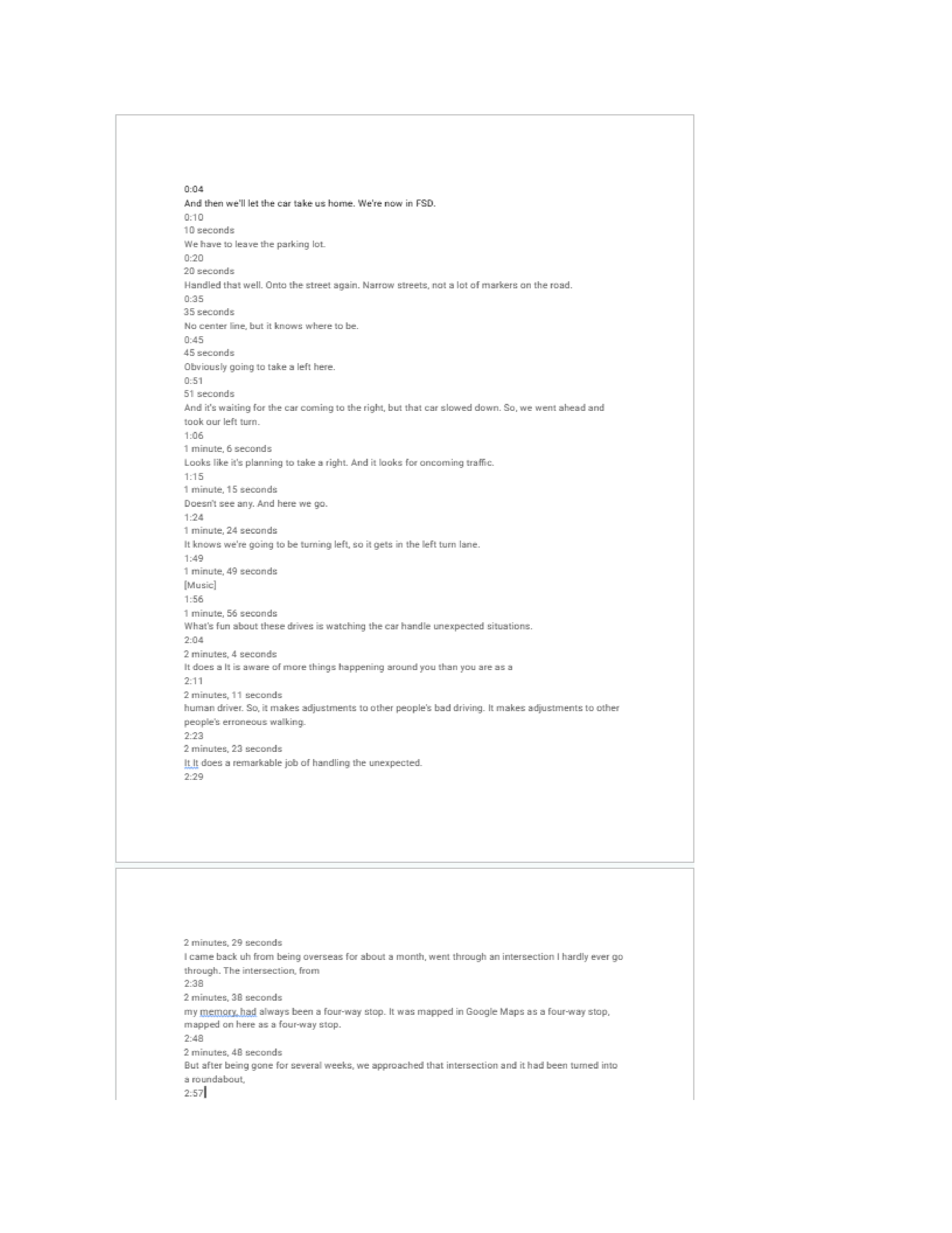
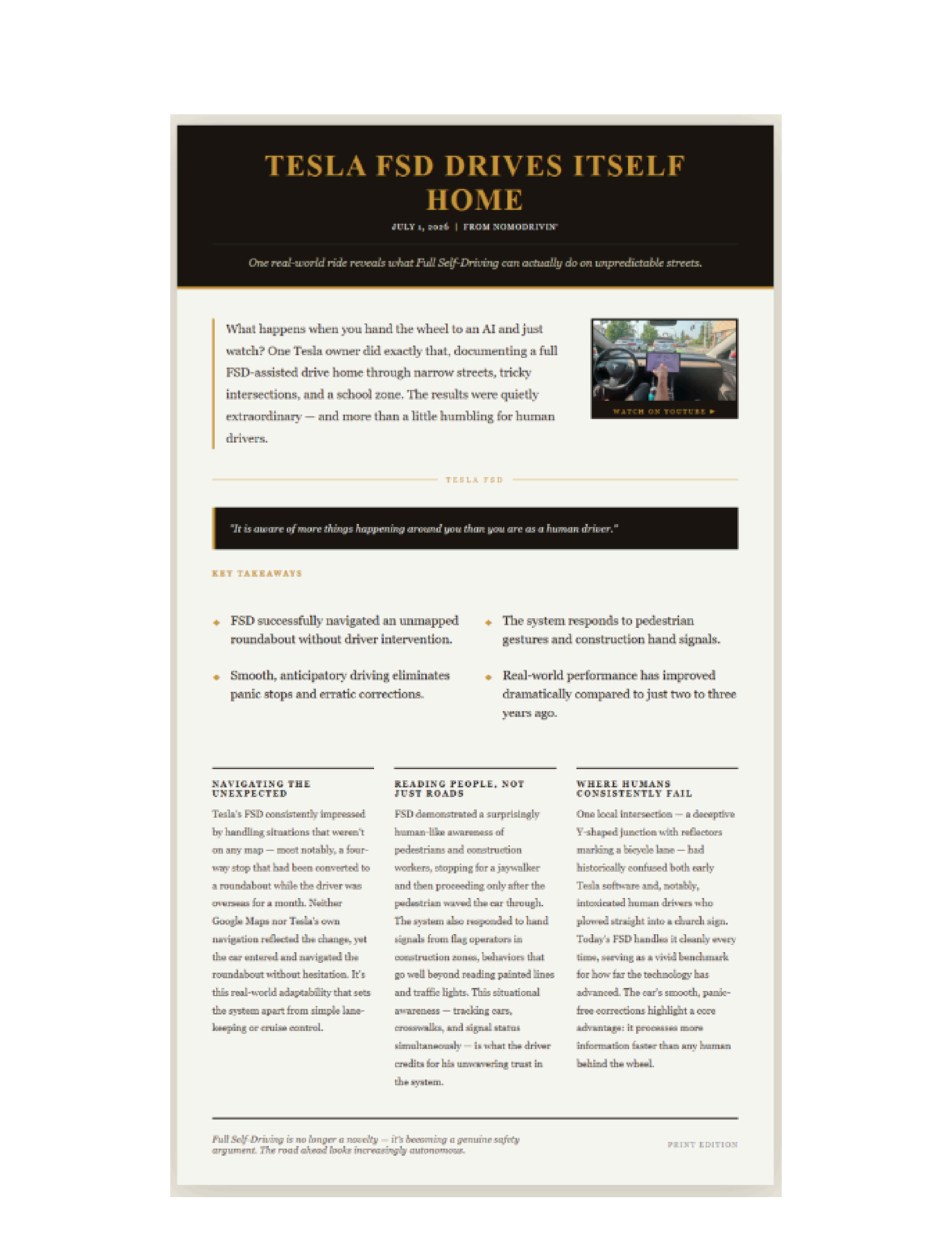
Make A Brief turns videos, podcast episodes, Zoom recording transcripts, lectures, or long-form texts into a polished, print-ready brief. Whether you call it a newsletter, bulletin, digest, handout, summary, or recap - Make A Brief formats it beautifully and delivers it in seconds. Perfect for teachers, creators, professionals, and anyone who needs to quickly get the gist of a topic, stay informed, or decide if an episode is worth a full listen
Pay only when you need a brief. No recurring fees, no account to manage.